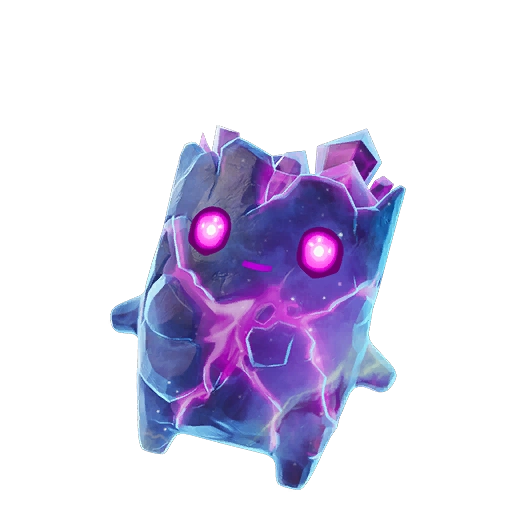
Sprite Locker is a fan-made Fortnite Sprite checklist and optional Trade Hub,
operated by Spritelist at spritelist.site.
Track your collection, export share images, and find Epic-verified traders. Not affiliated with Epic Games.
Enter the admin passcode to manage sprites and variants.
Incorrect passcode.
⚙ Admin Panel
● Unpublished changes✓ In sync with repo
New variants are added to the catalog only — assign them to each sprite in the Manage tab. They appear to the right of Galaxy.
No image selected
Or assign an image that already exists in the repo's Sprite images/ folder:
Staged images and catalog edits go live for everyone after you press Publish to Repo.
Choose which variants each sprite uses. Changes stay in your working copy until you Publish to Repo.
Edit sprite variants
Special sprites use one variant slot (pick the image type for that sprite).
Remove custom sprites/variants you added. Default content can't be deleted.
Sprites
Variants
This resets your in-panel working copy. Press Publish to Repo afterward to make it global.
🔒 Secure server mode. This site talks to your private repo through serverless functions. The GitHub token and admin password live as Vercel environment variables — never in this browser or the code. You're publishing securely with the private repo hidden from the public.
One-time Vercel setup
Make the GitHub repo Private.
Create a fine-grained token with Contents: Read & write on this repo.
Redeploy once. After that, all content changes are instant with no redeploy.
No secure server detected (static hosting / local). Connect directly to GitHub; your token is stored only in this browser and is never committed. For a private repo, deploy on Vercel so the server can hold the token instead.
Preview
This is your image. Save, print, or share it below.